Photo by Team TGM
At The Growth Miner (TGM), we’ve been using Canva since its early days — back when it was just a simple design tool for non-designers. Over the years, Canva has transformed into a full-fledged creative powerhouse that empowers individuals, teams, and businesses to design, market, and grow faster than ever before.
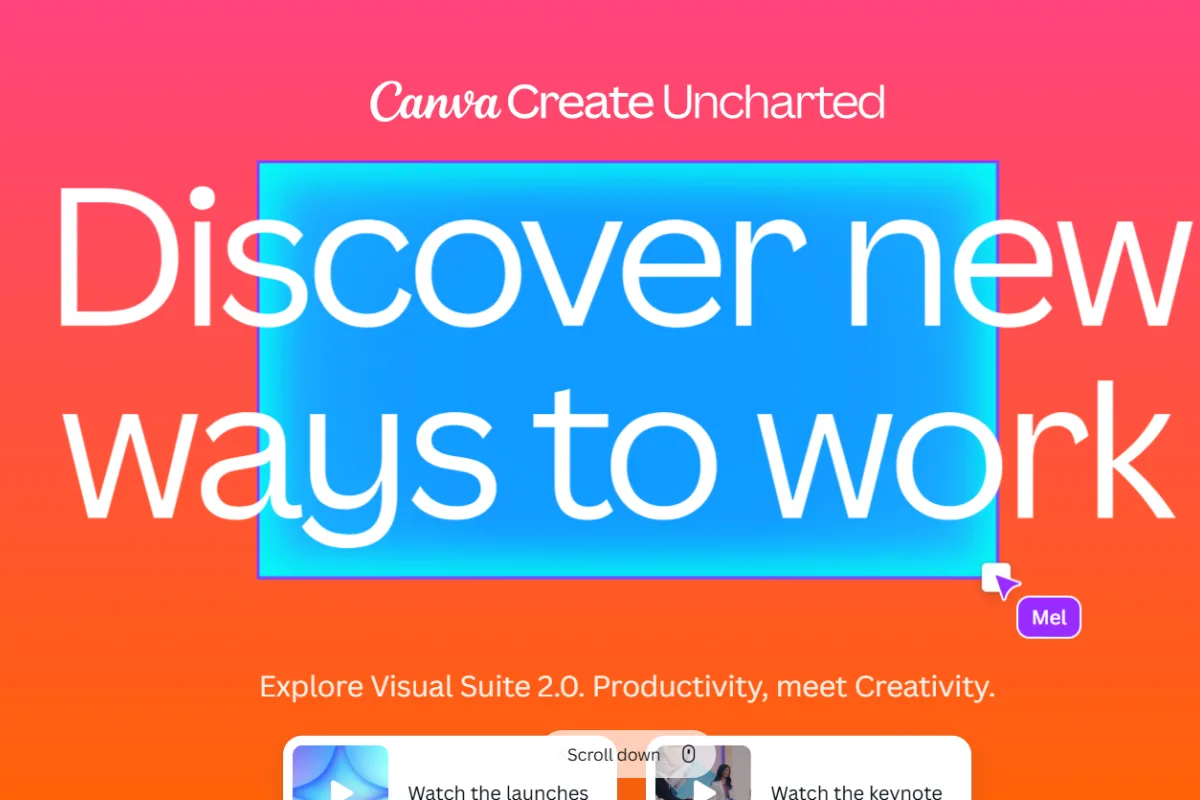
And in its latest Canva Create 2025 event, the platform unveiled a massive lineup of new products and AI-powered features that redefine how we think about design, content creation, and brand collaboration.
Whether you’re a solopreneur, marketer, designer, or part of a growing business, Canva’s new ecosystem has something for you — and in this article, we’ll break down everything you need to know.
Table of Content:
What Is Canva and Why Does It Matter?
Canva is an online design platform that allows anyone — even without design experience — to create professional-quality visuals for social media, presentations, websites, and marketing campaigns.
From drag-and-drop tools to AI-powered magic, Canva simplifies every step of the creative process. What makes it essential today is that it’s not just for designers anymore — it’s for anyone who wants to communicate visually, quickly, and beautifully.
Why You Should Use Canva (Even in 2025)
- AI-powered design assistance – From Magic Write to Magic Switch, Canva handles creative work in seconds.
- Team collaboration – Work with your marketing or design team in real time.
- Templates for everything – 100,000+ templates for social posts, resumes, infographics, and more.
- Brand consistency tools – Brand Kits, Fonts, and Styles keep your designs on-brand every time.
- All-in-one workspace – Design, edit videos, manage docs, plan content — all inside one dashboard.
Canva’s New 2025 Launches (Explained Simply)
Canva’s 2025 update brings a wave of innovation. Let’s look at the major new features and products Canva announced — and how they can transform your workflow.
1. Canva Enterprise
Canva has moved beyond small teams — now it’s catering to global organizations with Canva Enterprise.
It’s designed for large businesses that need scalability, control, and advanced security.
Key Highlights:
- Centralized brand management.
- Enterprise-level security and admin control.
- Integration with major tools like Slack, HubSpot, and Google Workspace.
- Workflow automation for large-scale teams.
Why it matters:
If you’re a growing business struggling to manage branding across hundreds of team members, Canva Enterprise keeps everything unified and secure.
2. Canva Work Kits
One of the most exciting announcements was Work Kits — ready-made design ecosystems for every department.
Available Kits:
- Marketing Kit: Social posts, ads, and campaign assets.
- Sales Kit: Proposals, pitch decks, and reports.
- HR Kit: Onboarding docs and internal comms templates.
- Creative Kit: Mood boards, mockups, and brand visuals.
Why it’s a big deal:
No more designing from scratch. Each kit includes tools, templates, and assets curated for your role — saving hours every week.
3. AI-Powered Magic Studio (Upgraded)
Canva’s Magic Studio just got smarter and faster. It combines all its AI tools — Magic Write, Magic Design, Magic Edit, Magic Expand, and more — into one seamless workspace.
What’s New:
- Smarter text-to-image and text-to-video generation.
- Improved “Magic Write” for brand-accurate copy.
- “Magic Switch” lets you instantly resize and repurpose designs across platforms.
Why it matters:
Whether you’re repurposing a blog into a LinkedIn carousel or turning a presentation into a video, Magic Studio now does it all — in seconds.
4. Canva Courses (New Learning Hub)
Canva is no longer just a tool; it’s a learning platform.
Canva Courses lets you create, design, and share online courses directly within Canva.
Features:
- Drag-and-drop course builder.
- Upload videos, PDFs, and quizzes.
- Branded course pages with customizable templates.
- Integration with Canva Docs and Presentations.
Why it matters:
If you’re a coach, educator, or brand trainer — this feature turns Canva into a complete course creation hub.
5. Canva Websites 2.0
Canva’s website builder has leveled up. The new Websites 2.0 feature now includes:
- Better mobile optimization.
- Interactive sections and animations.
- Built-in analytics dashboard.
- Faster load times and improved SEO settings.
Why it’s important:
Now small businesses can launch a modern, mobile-friendly site within minutes — no coding required.
6. Brand Controls Admin Tools
For brand managers, Canva has launched new admin and permission controls that give you even more control over who can edit, view, or share assets.
Key Features:
- Role-based access management.
- Asset locking to prevent off-brand designs.
- Audit trails and team insights.
This makes Canva even more reliable for professional agencies and global teams who need creative freedom with control.
7. Visual Worksuite Upgrades
Canva’s entire Visual Worksuite (Docs, Presentations, Whiteboards, and Video tools) got refreshed with AI integration and smoother workflows.
Highlights:
- AI summaries in Canva Docs.
- Presentation auto-layouts based on your text input.
- Real-time video collaboration and new stock footage library.
Why it matters:
Canva is now officially an alternative to Google Workspace and Microsoft Office — but with design-first thinking.
How These Launches Benefit You (and Your Team)
- Speed: Create professional designs 10× faster with AI.
- Collaboration: Real-time teamwork for marketing, design, and management teams.
- Control: Enterprise security and brand protection.
- Growth: Build websites, run ads, and even host courses — all in one ecosystem.
- Creativity: AI removes technical barriers so you can focus on ideas.
The Growth Miner’s Verdict
At The Growth Miner, we’ve tested these updates first-hand — and the difference is massive. Canva has evolved from a design tool into a creative operating system for businesses.
It’s no longer about just creating posts or flyers — it’s about building a brand ecosystem where everything connects: your team, your assets, and your message.
We especially love the new Work Kits and Magic Studio upgrades, which are game-changers for small marketing teams like ours that juggle multiple projects daily.
Summary: Canva’s New Era of Design
Canva’s 2025 updates prove one thing — the future of design is collaborative, intelligent, and beautifully simple.
Here’s what to remember:
- Canva Enterprise → For global brands and large teams.
- Work Kits → Ready-to-use templates for every department.
- Magic Studio (AI) → Turns ideas into visuals instantly.
- Canva Courses → Design and deliver online learning.
- Websites 2.0 → Build interactive sites in minutes.
Visual Worksuite → All your creative tools in one place.
Final Thoughts
If your business creates content, Canva’s 2025 updates are worth exploring today. They’re not just about saving time — they’re about changing how teams think, collaborate, and grow together.
At The Growth Miner, we’ll keep testing and sharing insights as Canva continues to evolve — because the design revolution has just begun.
-
Canva Create 2025 is Canva’s annual event where they unveil new tools, AI features, and updates designed to make design and collaboration smarter, faster, and more accessible for everyone.