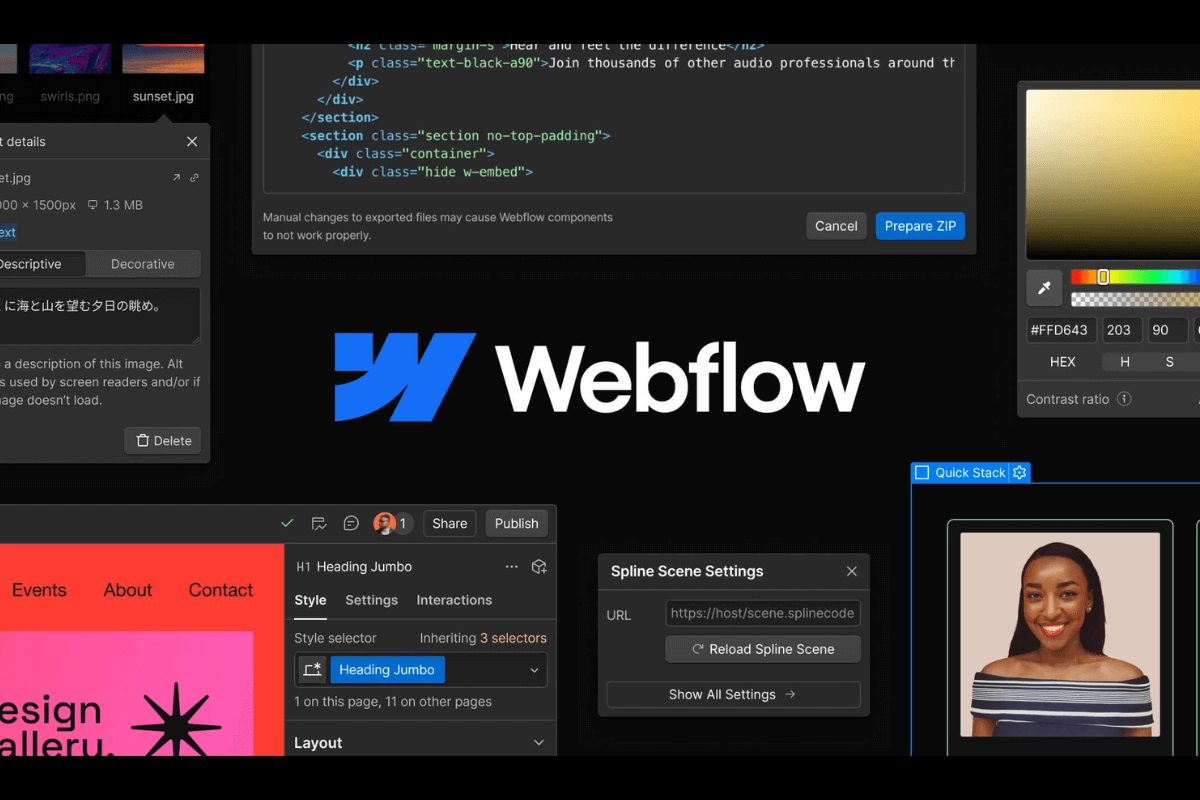
Photo by Team TGM
Picking the right website builder can make or break your online business. Yet most small business owners and designers waste weeks comparing platforms, only to end up frustrated by hidden costs, rigid templates, or steep learning curves.
That’s why we created this ultimate 2025 guide — not another feature dump, but a real-world comparison of Webflow, WordPress, and Shopify. You’ll see fresh data, real case studies, and cost breakdowns that reveal which platform actually fits your business goals. By the end, you won’t just ‘know the options’ — you’ll know exactly which one can save you money, free up your time, and unlock your growth.
Table of Content:
Understanding Webflow in 2025
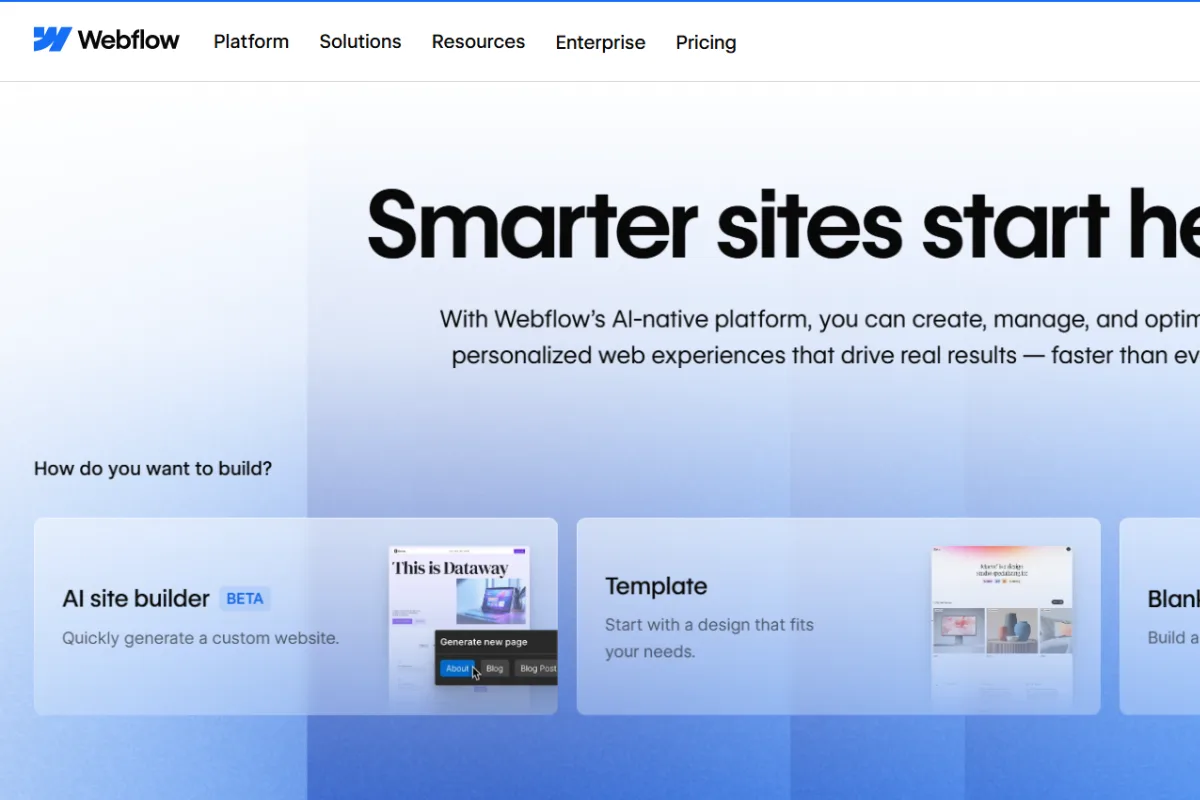
Webflow is a visual website builder that lets you create professional, responsive websites without writing code. Think of it as Photoshop for websites—you get complete design control through drag-and-drop interfaces while Webflow generates clean HTML, CSS, and JavaScript behind the scenes.
What sets Webflow apart is its visual design freedom. Unlike template-based builders, you can create pixel-perfect designs that match your brand exactly. Major companies like Rakuten and Upwork have migrated from WordPress to Webflow, with Rakuten reporting significant metric improvements and reduced development time from 4-5 hours to just 20 minutes.
Webflow vs WordPress vs Shopify: 2025 Performance Comparison
Here’s how these three giants stack up in 2025:
| Feature | Webflow | WordPress | Shopify |
| Coding Required | No (Visual editor) | Sometimes (for customization) | No (but limited flexibility) |
| Design Freedom | Unlimited | High (with themes/plugins) | Limited (template-based) |
| Hosting Included | Yes (Fast secure) | No (separate cost) | Yes |
| E-commerce Ready | Yes (paid plans) | Yes (WooCommerce plugin) | Yes (built-in) |
| Learning Curve | Moderate | Steep | Easy |
| Monthly Cost | $29-$212 | $10-$300+ | $29-$2,000+ |
| Best For | Designers, agencies, startups | Bloggers, content sites | Online stores |
Key Insight: Webflow excels in design customization without extensive coding, while Shopify offers ease of use for e-commerce and WordPress provides maximum flexibility through plugins.
Why Businesses Choose Webflow Over Competitors
Real Success Stories
Rakuten’s Migration: After three years on WordPress, Rakuten switched to Webflow citing security concerns and high development costs. Since migrating, they’ve seen significant metric improvements and reduced website change time from 4-5 hours to just 20 minutes.
Upwork’s Choice: Upwork’s marketing team chose Webflow to keep up with brand updates and speed up new webpage creation, demonstrating how visual website builders help large companies stay agile.
Core Advantages
- All-in-One Solution: Unlike WordPress, you don’t need separate hosting, security plugins, or backup services. Everything’s included.
- Visual Design Control: Create custom layouts, animations, and interactions without touching code—impossible with most website builder platforms.
- Performance: Webflow sites attract higher traffic on average than sites built on Shopify, Wix, Squarespace, and even WordPress.
- SEO-Friendly: Built-in SEO tools, fast loading times, and clean code structure help your site rank better.
Webflow Pros and Cons: Honest Assessment
Pros:
- Complete design freedom without coding
- Built-in hosting and security
- Responsive design by default
- Professional animations and interactions
- SEO optimization tools included
- Fast performance and uptime
Cons:
- Learning curve similar to design software like Figma
- E-commerce limitations compared to dedicated platforms like Shopify
- Pricing scales with site complexity
- Limited app ecosystem compared to WordPress
Step-by-Step Guide to Get Started with Webflow
Step 1: Sign Up and Choose Your Plan
Visit webflow.com and create a free account. You can design and test everything for free—you only pay when ready to publish.
Step 2: Select Your Starting Point
Choose from over 1,000 professionally designed templates or start from scratch. Templates range from $24-$129 for premium options.
Step 3: Master the Visual Editor
Webflow’s interface has three main sections:
- Structure: Add and organize elements
- Style: Customize appearance and layout
- Launch: Publish and manage your site
Step 4: Add Content and Customize
Use the drag-and-drop editor to add text, images, forms, and videos. Customize colors, fonts, and spacing visually.
Step 5: Set Up CMS (If Needed)
For blogs or product catalogs, configure Webflow’s content management system to manage dynamic content easily.
Step 6: Optimize for SEO
Add meta titles, descriptions, alt text, and clean URLs. Webflow automatically generates SEO-friendly code.
Webflow also offers built-in SEO tools that help your site rank better without extra plugins.
Step 7: Test and Publish
Preview your site on different devices, then publish to go live on Webflow’s hosting or your custom domain.
Who Should Use Webflow vs WordPress vs Shopify?
Choose Webflow if you:
- Want complete design control without coding
- Need an all-in-one solution with hosting included
- Run a design agency or creative business
- Have a small to medium online store (under 3,000 products)
- Value fast performance and built-in SEO tools
Choose WordPress if you:
- Need maximum flexibility and customization
- Plan to publish content frequently (blogging focus)
- Want access to thousands of plugins and themes
- Have technical skills or development resources
- Need complex functionality beyond standard websites
Choose Shopify if you:
- Focus primarily on e-commerce
- Need to manage large product catalogs (3,000+ items)
- Want built-in payment processing and inventory management
- Require advanced features like 2,000 product variants per item (2025 update)
- Plan to sell across multiple channels (social media, marketplaces)
Webflow Pricing vs Competitors in 2025
Webflow Pricing:
- Free Plan: Design and test unlimited
- Basic Plan: $18/month (custom domain, basic CMS)
- CMS Plan: $29/month (up to 2,000 CMS items)
- Business Plan: $49/month (advanced features, higher limits)
- E-commerce: $42-$235/month (depending on transaction volume)
Total Cost Comparison:
Webflow: $29-$212/month (all-inclusive) WordPress: $10-$300+/month (hosting + themes + plugins + maintenance) Shopify: $29-$2,000+/month (depends on sales volume and apps)
Key Takeaways: Making Your Decision
- Webflow → Best if you want professional design freedom without coding. Ideal for designers, agencies, and businesses that care about brand look + all-in-one simplicity.
- WordPress → Still the top choice for blogs, content-heavy sites, and full customization. Great when you need plugins, flexibility, and control.
- Shopify → The go-to for ecommerce. Perfect if your main focus is selling products, managing inventory, and scaling an online store.
The Bottom Line: In 2025, Webflow stands out for small and medium businesses that want a balance of design control, ease of use, and scalability. With its rapid growth and no-code power, it’s the platform that saves time while helping your brand shine.
Tip: Try Webflow’s free plan first. If it feels right, you can always upgrade as your business grows.
-
Yes, Webflow has a free plan to build and test your website. But to publish on a custom domain or use CMS features, you’ll need a paid plan.