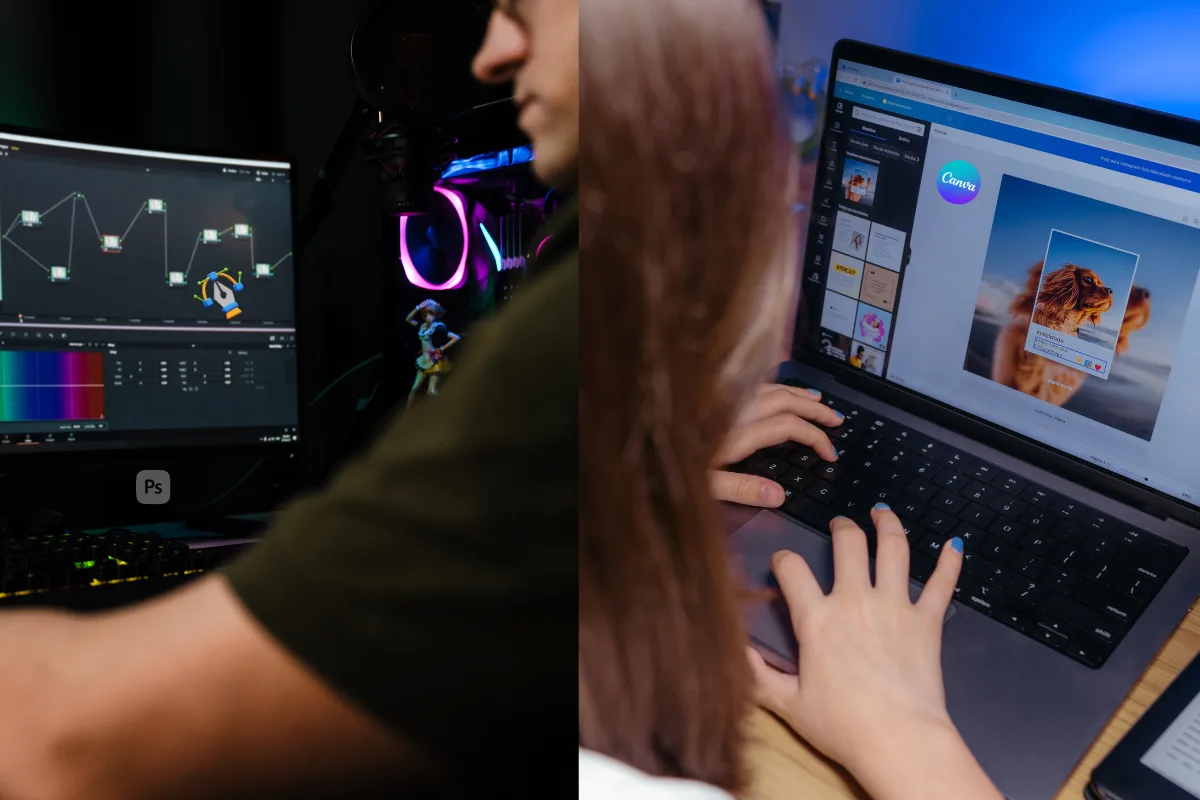
Photo by Team TGM
Design tools are changing fast. What once required years of Photoshop experience can now be done in minutes with AI-powered platforms like Canva. Naturally, a big question keeps coming up:
Can Canva AI really replace Photoshop?
Or is Photoshop still the gold standard for serious design work?
I tested both tools from a real-world, practical perspective — not marketing hype. Here’s the honest answer.
Table of Content:
Why This Question Matters Today
Photoshop has been the backbone of professional design for decades. But it’s also complex, expensive, and time-consuming. Canva AI, on the other hand, promises fast results, no learning curve, and built-in AI magic.
For creators, marketers, bloggers, and small businesses in the U.S., the real concern is simple:
Do you still need Photoshop, or is Canva AI “good enough”?
What Canva AI Actually Offers
Canva AI is built for speed and simplicity. It includes tools like:
- AI-powered design suggestions
- Text-to-image generation
- Background remover
- Magic Resize
- AI copy suggestions
- One-click social media and marketing designs
If you can drag, drop, and type, you can create polished visuals in minutes.
What Photoshop Still Does Best
Photoshop remains unmatched when it comes to:
- Advanced photo manipulation
- Layer-level control
- Professional retouching
- High-resolution print work
- Complex composites and effects
Adobe has also added AI features like Generative Fill and Neural Filters, but Photoshop still expects you to understand how design works.
Canva AI vs Photoshop: The Real Difference
Here’s the truth most comparisons avoid:
- Canva AI is about speed and accessibility
- Photoshop is about control and precision
Photoshop helps you perfect the last 20% — which often matters in professional work.
Who Can Replace Photoshop with Canva AI
You can realistically switch to Canva AI if you are:
- A content creator or influencer
- A blogger or affiliate marketer
- A small business owner
- A social media manager
- A beginner with no design background
For social posts, ads, blog graphics, presentations, and basic branding — Canva AI is more than enough.
Who Should NOT Replace Photoshop
Photoshop is still essential if you are:
- A professional designer
- A photographer
- A print designer
- Working with advanced retouching
- Handling client-specific custom designs
In these cases, Canva AI feels limiting rather than freeing.
The Smart Approach Most Professionals Use
Many U.S. creators now use a hybrid workflow:
- Canva AI for quick designs, drafts, and social content
- Photoshop for detailed edits, final polish, or complex visuals
This approach saves time without sacrificing quality.
Final Verdict
So, can Canva AI replace Photoshop?
Yes — for many people.
No — for all use cases.
If your goal is speed, simplicity, and consistent marketing visuals, Canva AI can absolutely replace Photoshop.
If your work demands creative depth, full control, and professional precision, Photoshop is still irreplaceable.
The smartest choice isn’t picking sides — it’s choosing the right tool for the job.
-
Not completely. Canva AI can replace Photoshop for everyday design needs like social media, marketing graphics, and presentations. However, Photoshop is still required for advanced editing, professional retouching, and complex visual work.